ChatGPT
ChatGPT is an OpenAI chatbot which is to offers quick responses to diverse tasks

Safe & Secure
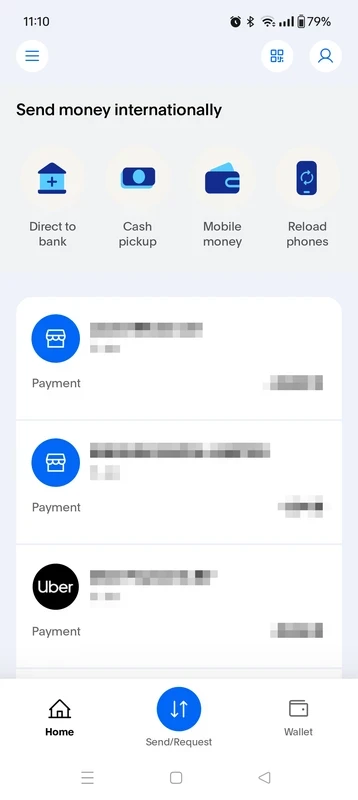
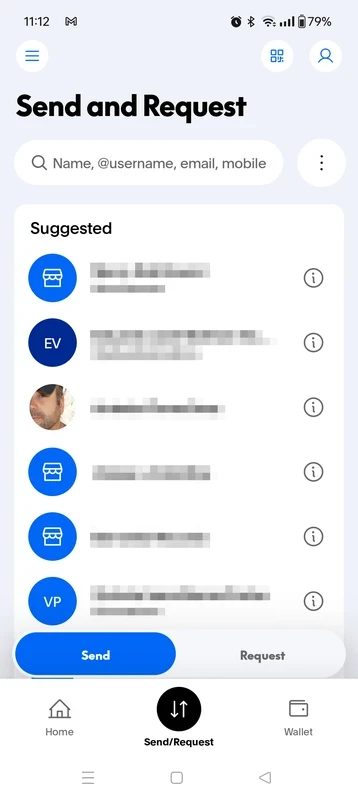
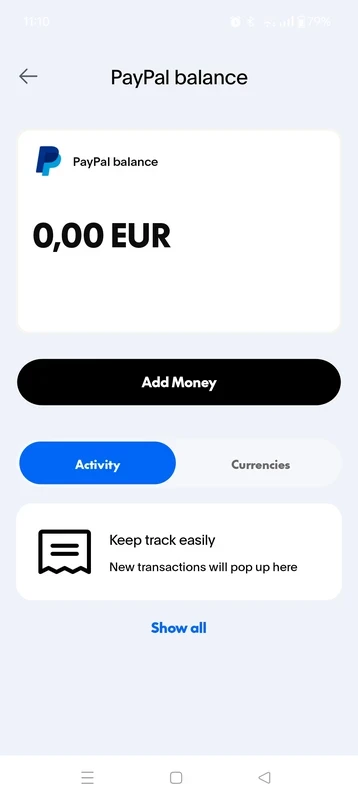
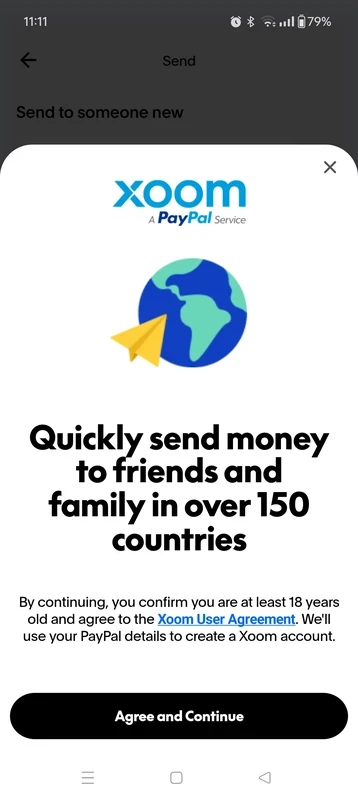
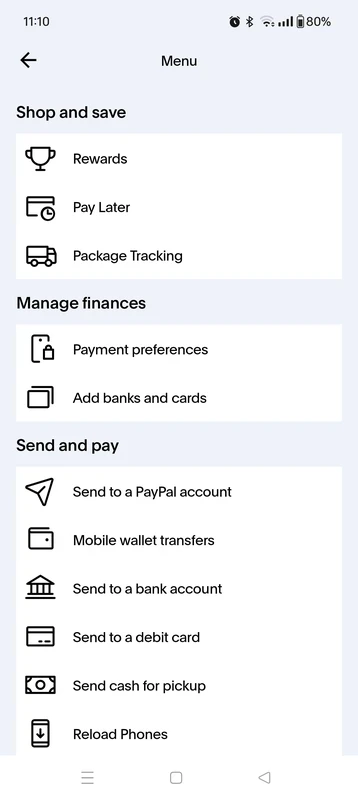

PayPal is a powerful online money transfer platform that enables users to send and receive money across the world. It makes your online shopping and transferring of money in any other currency quick and simple. It also offers services for paying in stores or restaurants.
It offers a simple touch-friendly interface to allow users digitally transact their payments in different scenarios with a few swipes. It is one of the oldest payment applications embedded with robust security measures. So, you can streamline your transactions, regardless of business or personal matters, for free.
PayPal was developed by an American Multinational financial technology company, called PayPal Holdings Inc. It was released in 2002 through an IPO and falls under the Business & Productivity category. At first, it was a subsidiary of eBay, but in 2015, it spun off and started working independently. Now, it is part of the ACH Alliance.
The comprehensive financial tool helps to manage online payments worldwide and allows users to send and receive their payments digitally without any currency issues. It also serves as a crypto wallet for managing cryptocurrency, such as check latest information related to crypto, and deciding to sell or buy the currency.
You need to create an account to make transactions. Simply enter your email address and phone number, and confirm it using the confirmation email from your inbox. You also need to create an authentic password for the security of your account. In the way, you can create a personal account. It is also necessary to connect with a bank account if you want to transfer money in and out. It is free to use, but you have to pay some charges for transactions that depend upon various elements such as country, currency, and the amount. However, the “personal transactions” have fixed rates.
The app, with a user-friendly interface, offers a bright yellow splash screen. You will find balance, recent activity, shortcuts to send and receive money on the clean dashboard. It also supports biometric sign-in, but sometimes, it doesn’t approve the fingerprint prompt and requires a pattern. If the pattern isn’t available, your access can be prevented.
It is one of the key features that helps to avoid complicated money transfer factors, and reliably send money to your family, friends, or for other businesses across the world. It also offers text and emojis facility to attach to the payments you have made. It also offers a special service called Xoom for transferring money on an international level.
The app offers a simple method for purchasing from $30 to $1500 while splitting it into 4 interest-free payments. It doesn’t require any late fees while handling the management right in the app. Simply select “Pay Later” at checkout, and access to “Pay in 4”, and make a down payment. You can pay the rest in 3 payments within the next three weeks.
The app offers robust performance while offering notifications in real-time, and manages your transactions within a few clicks. However, within the latest update some bugs were introduced, and some other issues, such as login failures, pattern lock errors, freezing on launch, and so on.
You will find two-stage encryption and fraud monitoring features for providing secure transactions. You can manage your online payment activities while protecting your financial information. You can use the app for online shopping, instead of sharing the credit card details, as the real credit card numbers are hidden behind a PayPal account.
You can get a MasterCard or Visa card within your PayPal Balance account, and reliably use it online, in-store, and at over 37,000 MoneyPass ATMs. It doesn’t require withdrawal fees or a credit check. In addition, you can redeem your gift cards by navigating to the Wallet tab, entering the code given on the card, and the account balance will be updated automatically. It also allows in-store shopping while offering a virtual card number.
The app supports Bitcoin, Ethereum, Bitcoin Cash, and Litecoin, so it enables users to check out with crypto. But it is available only for US and some other states as well, because there are multiple risks are connected within cryptocurrency.
PayPal offers two types of accounts for users to select from.
Finally, decide what type of account suits you, and follow the next given steps to create your PayPal account on your device.
You will find two options for sending money;
You need to follow the given instructions for sending money to your friend or family member, or ‘Goods & Services;
To receive money from a friend or a customer, creating an invoice is very simple and easy. You need to follow the given steps;
Pros
Cons

ChatGPT is an OpenAI chatbot which is to offers quick responses to diverse tasks

Microsoft 365 Copilot is an AI-powered utility with smart work from anywhere.

Google Gemini AI-powered content right on your smartphone

Android Auto for smart, safe driving while staying connected on the road

Perplexity AI-powered search companion asks more, and gets detailed information

U-Dictionary is a unique language-learning companion with multi-mode translations